For college papers

Write your paper. Format does the rest.

Type on a page that looks like a paper. Add your sources as you go. Export a finished MLA or APA paper to Word or PDF.

Free. You can start without signing in.
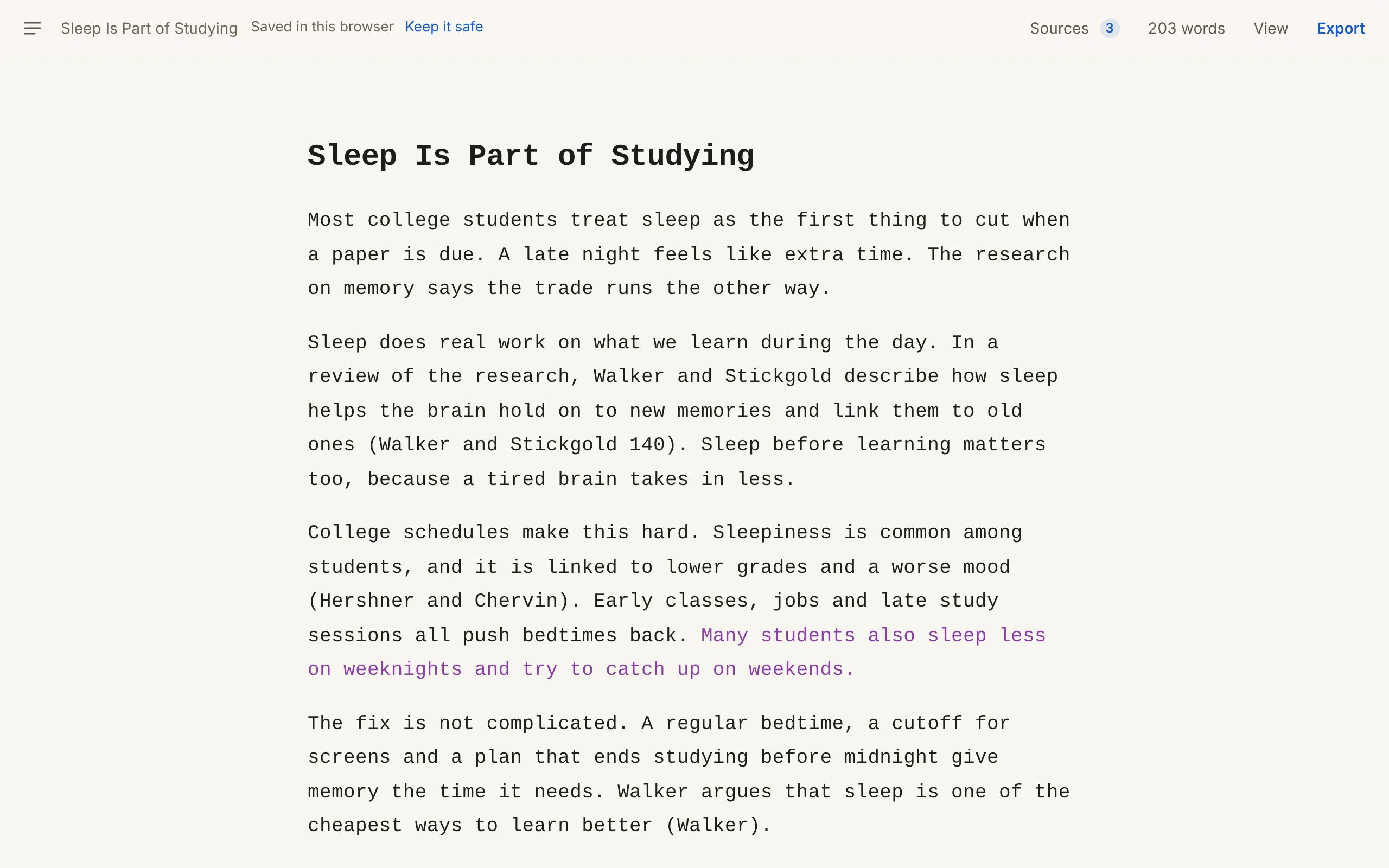
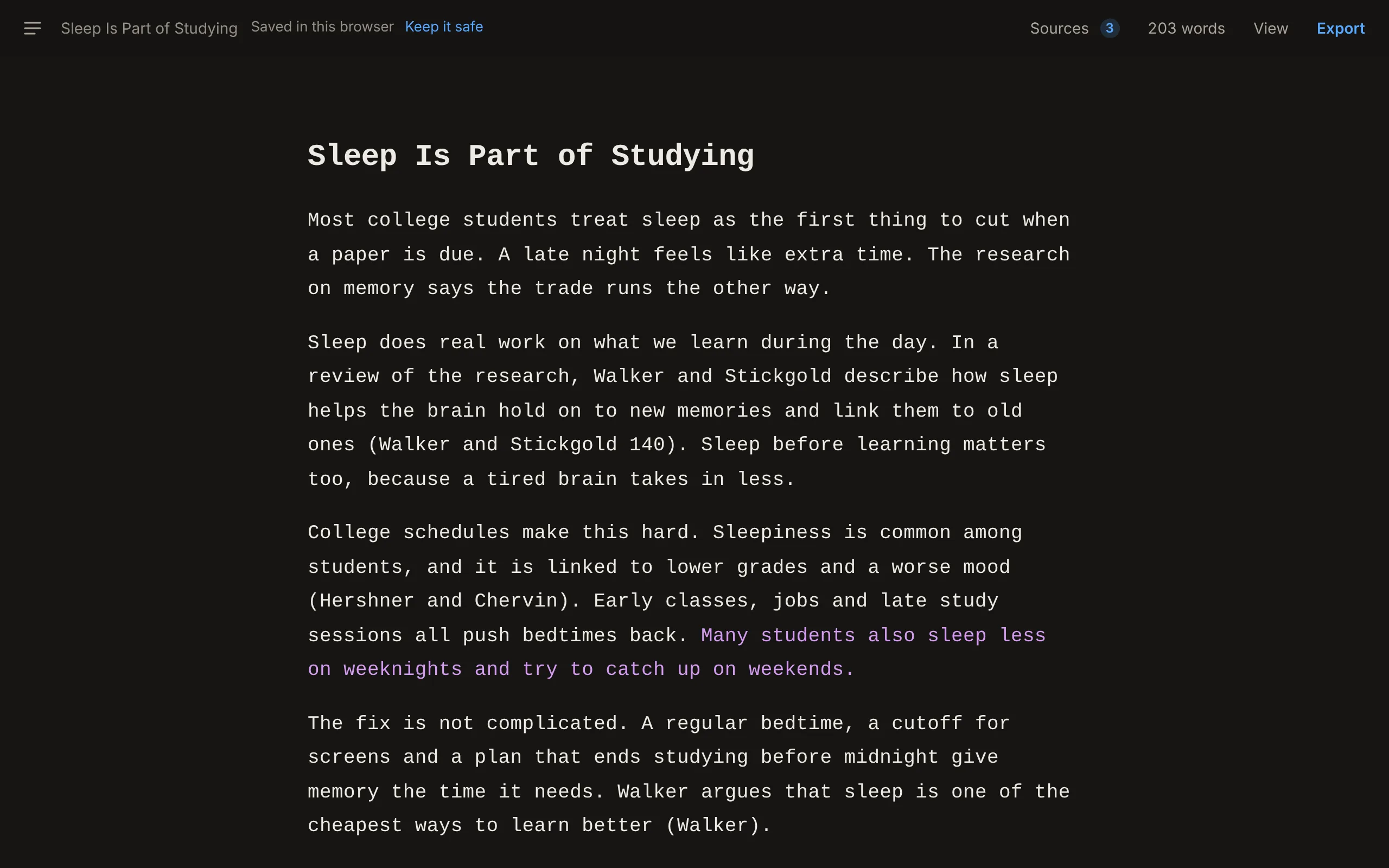
The Format editor with a five-paragraph essay, Sleep Is Part of Studying. One pasted sentence shows in purple. The Format editor with a five-paragraph essay, Sleep Is Part of Studying. One pasted sentence shows in purple.

How it works

Three steps to a finished paper.

  1. Step 01 Write

    Type on the page.

    No symbols or codes. Select a few words to make them bold, italic, a title, a heading, a quote or a list.

  2. Step 02 Cite

    Paste a link, DOI or ISBN.

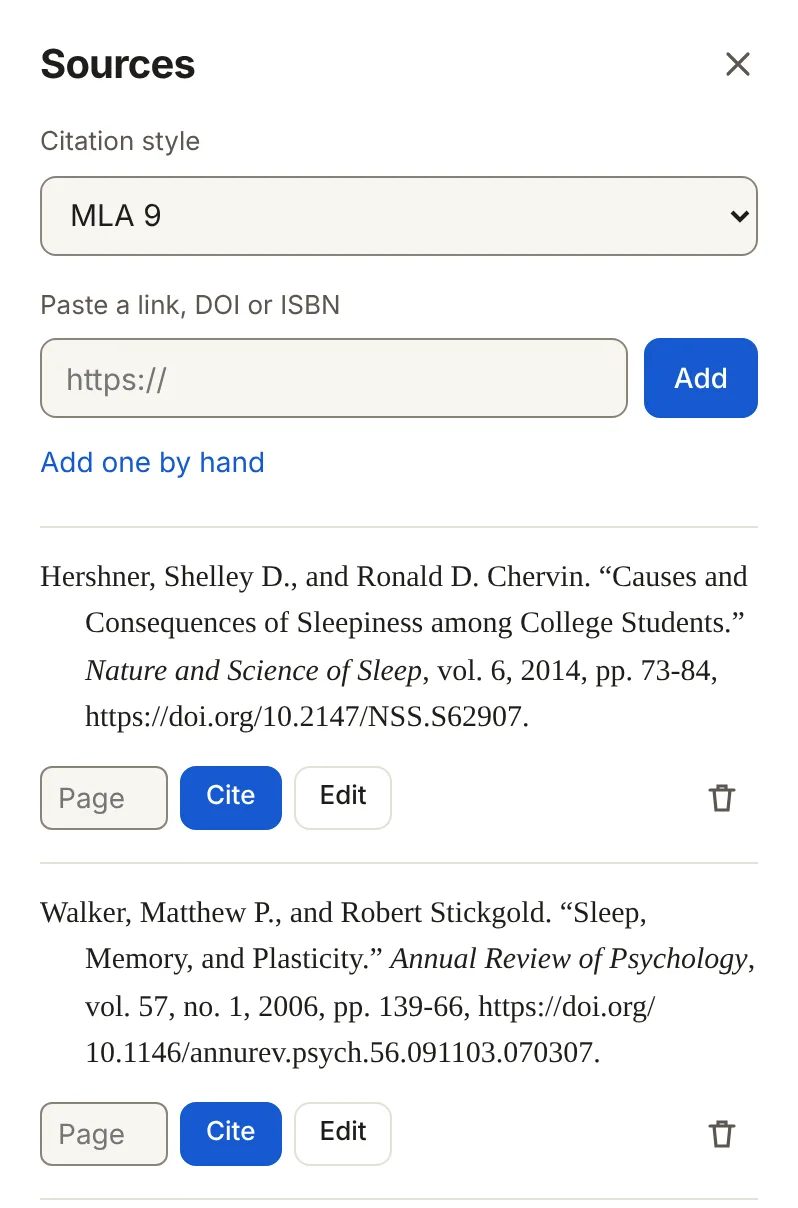
    Format fills in the author, title and date. Press Cite and the citation goes where you are typing.

  3. Step 03 Hand it in

    Export to Word or PDF.

    Your name and class at the top, page numbers, double spacing and a sources page. All in your style.

Citation styles

Pick your style. Switch any time.

Every citation in your paper changes when you switch. Chicago moves them into footnotes. IEEE numbers them in order.
  • MLA9th edition
  • APA7th edition
  • Chicago notes and bibliography18th editionPro
  • Chicago author-date18th editionPro
  • HarvardCite Them RightPro
  • IEEENumberedPro
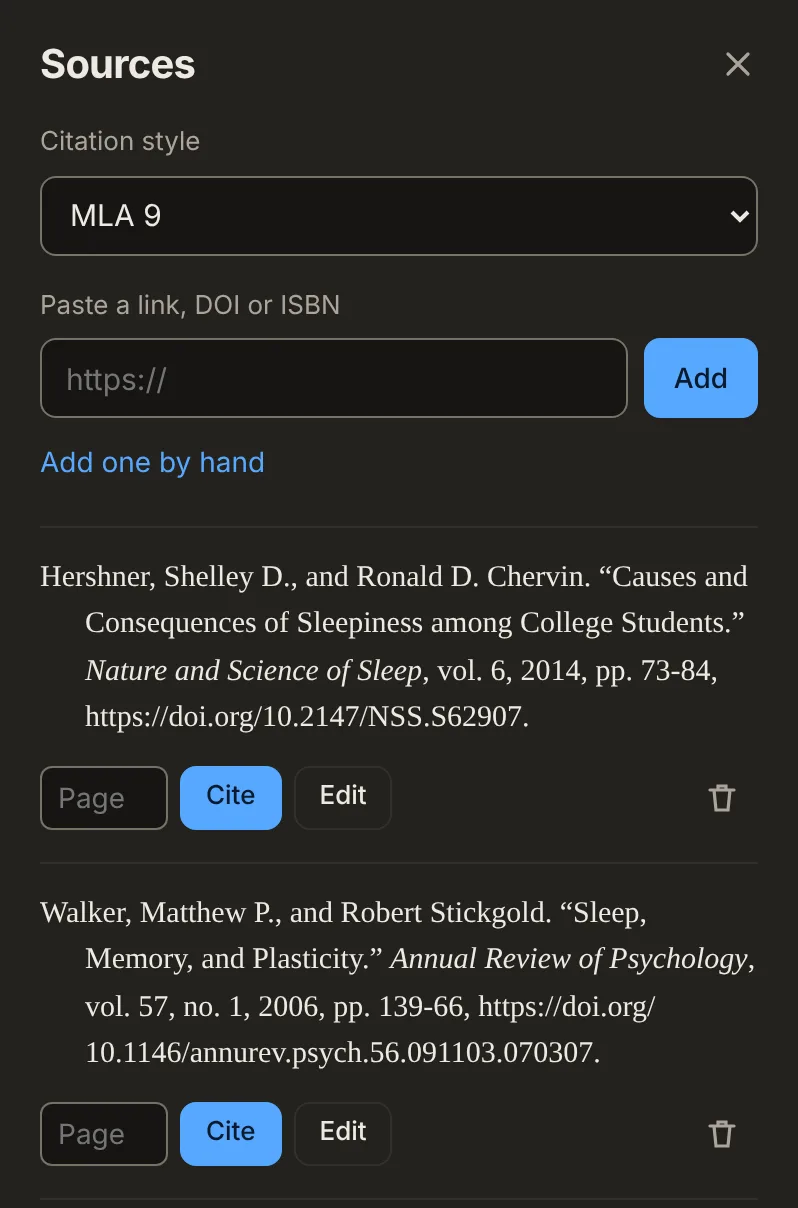
The Sources panel with three sources in MLA 9, each with Cite and Edit buttons, and a box to paste a link, DOI or ISBN. The Sources panel with three sources in MLA 9, each with Cite and Edit buttons, and a box to paste a link, DOI or ISBN.

Export

A paper that looks right.

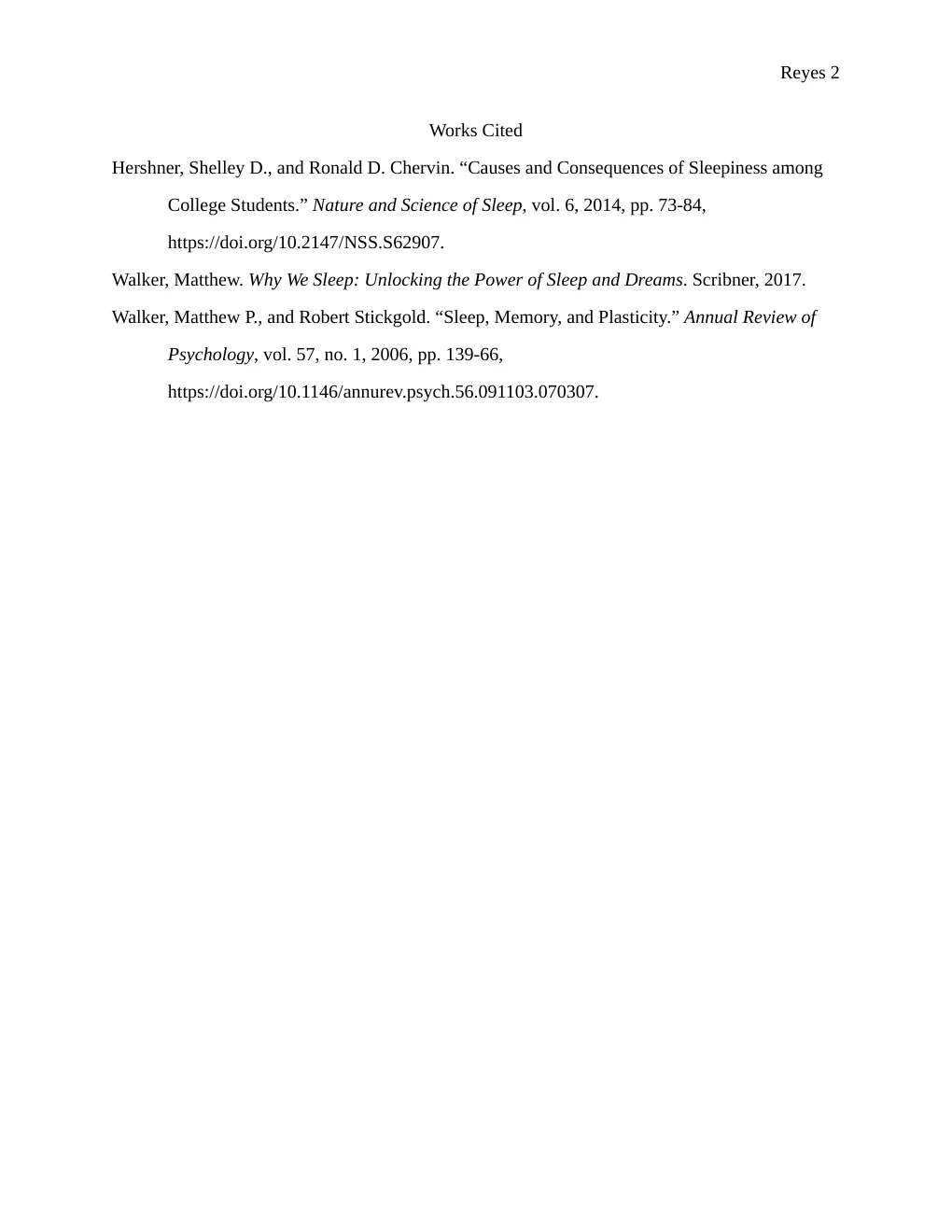
This is a real PDF from Format, in MLA 9. You get the heading block, page numbers, double spacing and a Works Cited page with hanging indents. APA papers get a title page.
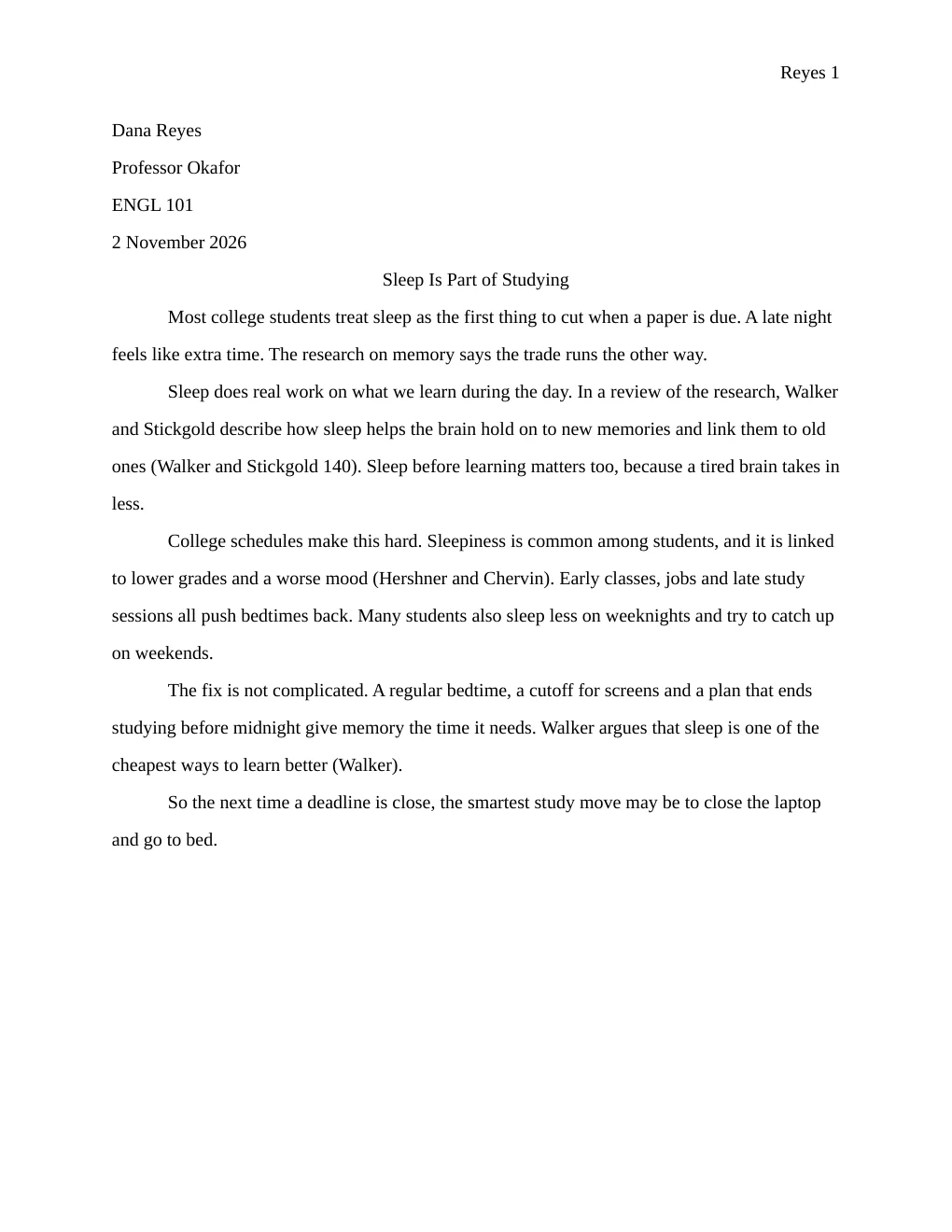
Page one of an MLA paper: the name, instructor, course and date at top left, the page number Reyes 1 at top right, a centered title, and double-spaced paragraphs.
Page 1
The Works Cited page: three sources in alphabetical order with hanging indents, and the page number Reyes 2.
Works Cited

Word (.docx) PDF Markdown

While you write

Help that stays quiet.

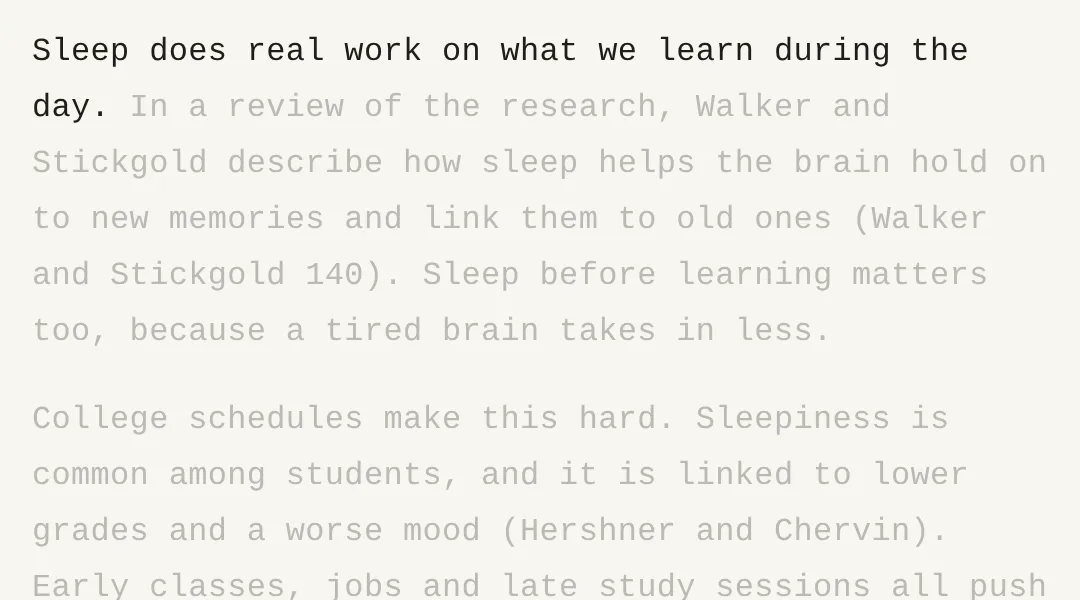
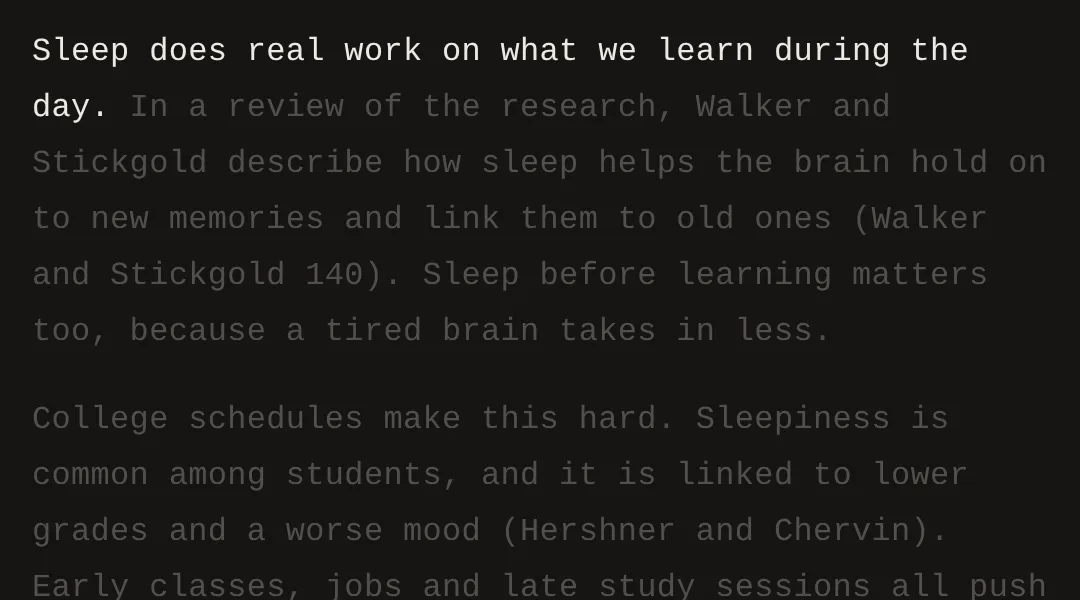
Focus mode: one sentence in dark ink, the rest of the page faded. Focus mode: one sentence in bright ink, the rest of the page faded.

Focus

Everything but the sentence you are on fades. Or the paragraph, if you like.
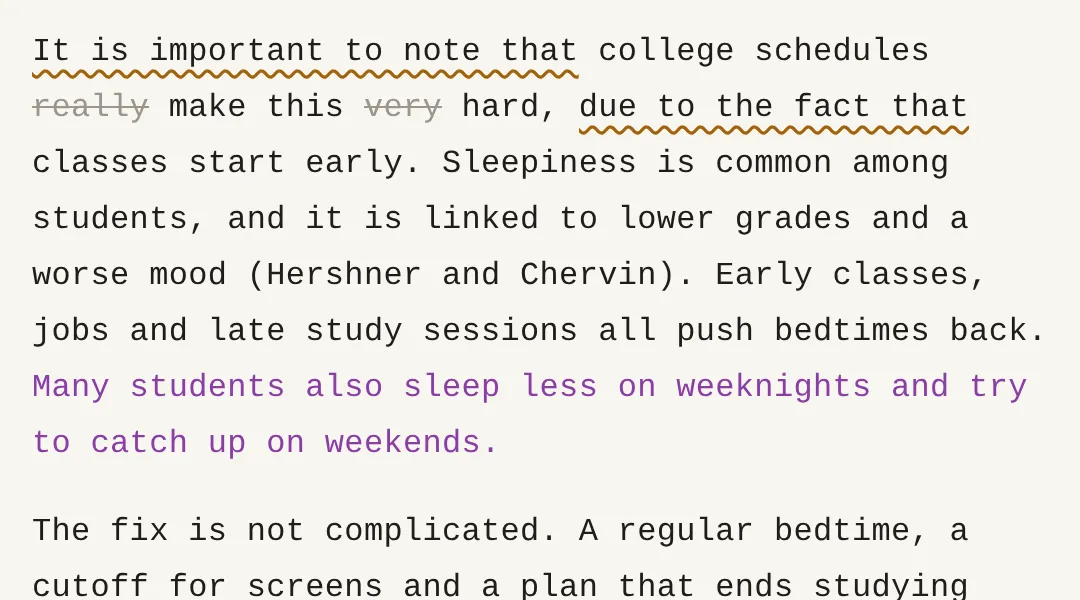
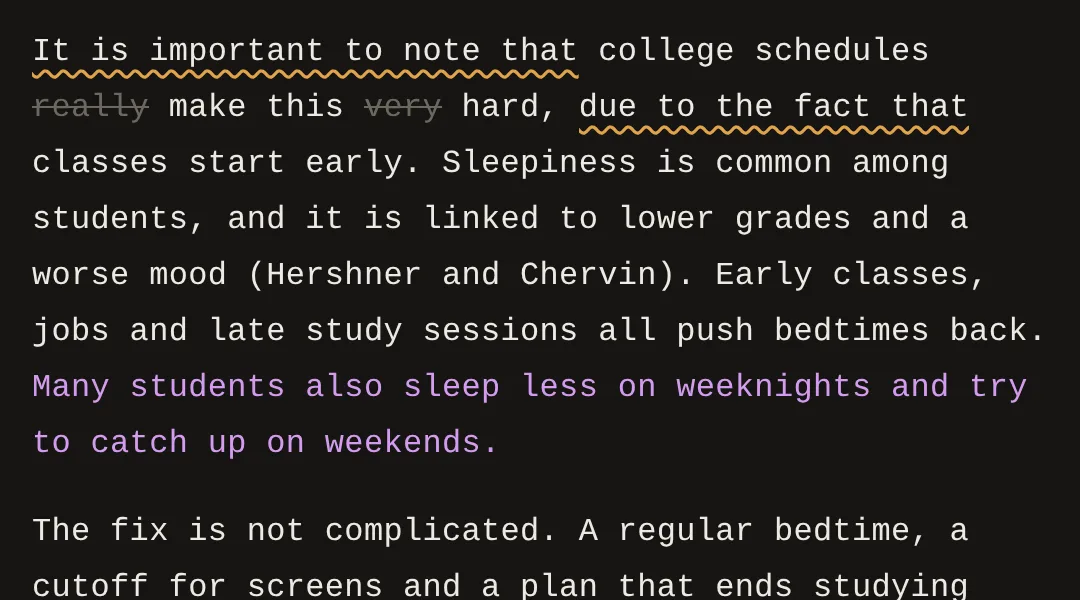
Style Check: the words really and very struck out, and the phrases it is important to note that and due to the fact that underlined. Style Check: the words really and very struck out, and the phrases it is important to note that and due to the fact that underlined.

Style Check

Strikes filler words and underlines wordy phrases. It never changes your text.
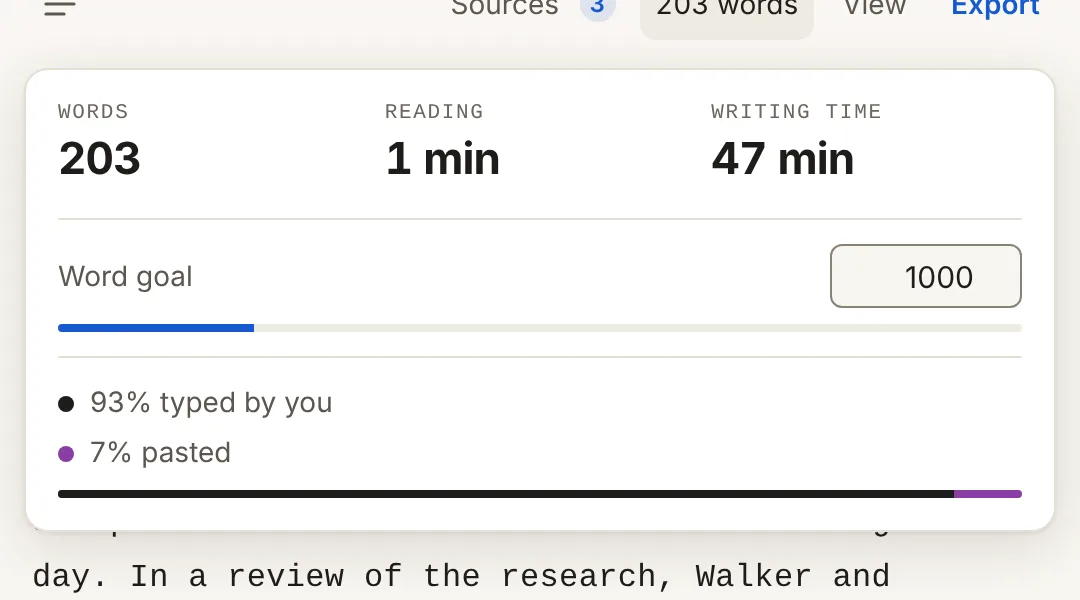
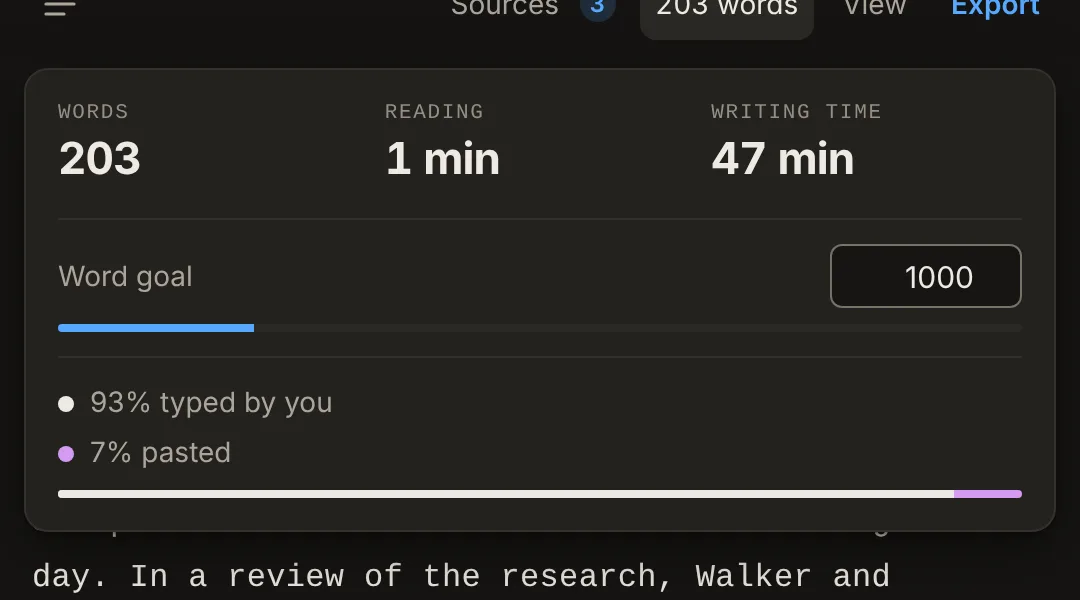
The stats card: 203 words, 47 minutes of writing time, a word goal of 1000, 93 percent typed and 7 percent pasted. The stats card: 203 words, 47 minutes of writing time, a word goal of 1000, 93 percent typed and 7 percent pasted.

Authorship

Pasted text shows in color. See what you typed, how long you wrote and your word goal. With Pro, hand in a writing report and a link that replays your paper being written.

Format never writes for you.

There are no AI writing tools in it. The words are yours, and Authorship shows which ones you pasted.

  • Any browser, phone or laptop
  • Works offline
  • Saves as you type

Pricing

Free for good. Pro if you need it.

Free

$0 forever

  • Write on the formatted page
  • Focus, Style Check and Authorship
  • MLA 9 and APA 7
  • Export to PDF and Word
  • Papers saved to your account, on every device
  • Up to 10 sources per paper
  • 20 link, DOI or ISBN lookups a month
Start writing

Pro

$4 a month

Or $29 a year, which saves 40%.

  • Everything in Free
  • Chicago 18, notes and author-date
  • Harvard and IEEE
  • Unlimited sources and lookups
  • Word files with real footnotes for Chicago
  • Writing report and replay link: proof you wrote it
Go Pro

Cancel anytime. Payments by Stripe.

Questions

Good to know.

Is it free?

Yes. Writing, MLA, APA and export are free for good. Pro adds more citation styles and unlimited sources for $4 a month or $29 a year.

Do I need an account?

You can start without one. Create a free account to keep your papers on every device; two-factor sign-in keeps it locked.

Will my professor accept the format?

Format sets up the paper the way your style guide asks: one-inch margins, double spacing, page numbers, the heading block or title page, and a sources page with hanging indents. If your professor wants something extra, open the Word file and change it.

Which citation styles does it have?

MLA 9 and APA 7 are free. Pro adds Chicago 18 (notes and bibliography, and author-date), Harvard (Cite Them Right) and IEEE. Switch any time and every citation in your paper switches too.

Does it work on my phone?

Yes. Format runs in any browser on a phone, tablet or laptop, and keeps working offline. Sign in and your papers are on all of them.

Is my writing private?

Your papers are stored in your account on Format's servers and in your browser. They are never sold and never used to train anything. There are no ads.

Can I cancel?

Yes, anytime, from your account. You keep Pro until the end of the period you paid for.

Open a page and start.

Your first paper is free. So is every one after it.